Free USPS Ground Shipping on Select Items Most orders will ship within one business day. The cutoff time for shipping is 1 pm Eastern USA, Monday to Friday. RC Boat Specialists Since 2000 10,000+ Parts In Stock — 50+ Top Brands
Home
» How-To Articles » Info and links on the Hobby Wing Seaking v4 Bluetooth programing.

Info and links on the Hobby Wing Seaking v4 Bluetooth programing.

Published
29th May 2026
The correct application for programming and updating your Hobbywing V4 speed controller is the HW Link V2 app. See links below.

To get started:
  1. Download: Find the app on the Apple App Store or Google Play Store.
  2. Hardware: Open the app. 
    - Then, power on your transmitter.
    - Then power your esc's/motors.
    - Go back to the app on your phone. You should see a connections link in the HW Link v2 app, click it, and a list of Bluetooth items in range will pop up.
    - Connect the Bluetooth to that ESC.

Link to HW Link V2 App in Google Play StorePlay Store
Link to HW Link V2 App in Apple App Store

          x              (x)      


Shop Hobbywing Seaking Brushless ESC's

View all
Dynamite LED Program Card Dynamite LED Program Card $19.99
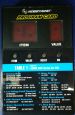
Hobbywing program card for SeaKing Boat ESC's Hobbywing program card for SeaKing Boat ESC's $9.99
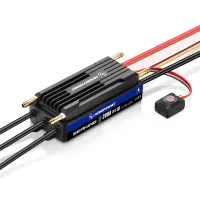
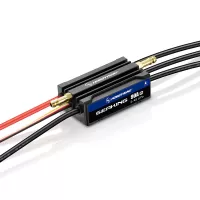
SEAKING 120A V4 ESC (2-6S) SEAKING 120A V4 ESC (2-6S) $79.99
SEAKING 160A V4 ESC (3-8S) SEAKING 160A V4 ESC (3-8S) $119.99
SEAKING 200A V4 ESC- HV (5-14S) SEAKING 200A V4 ESC- HV (5-14S) $209.99
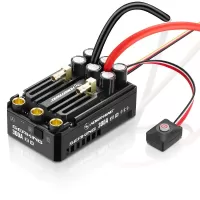
SEAKING 300A V4 ESC- HV (5S-14S) SEAKING 300A V4 ESC- HV (5S-14S) $279.99
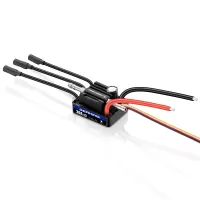
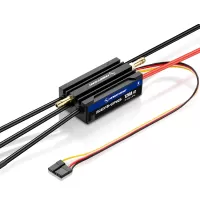
SEAKING 30A V4 ESC (2-3S) SEAKING 30A V4 ESC (2-3S) $29.99
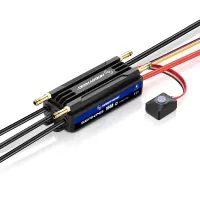
SEAKING 90A V4 ESC (2-4S) SEAKING 90A V4 ESC (2-4S) $59.99